

A lesson becomes a game in minutes.
Educație Interactivă (educatieinteractiva.md) is the interactive exercise builder of the Educație online digital library. A teacher picks an exercise type, fills it with their own subject matter and sends it to the class; the student plays it on the site or in the app, with a PIN. We designed and developed the portal and the iOS and Android apps, and we maintain them.
01Today’s numbers
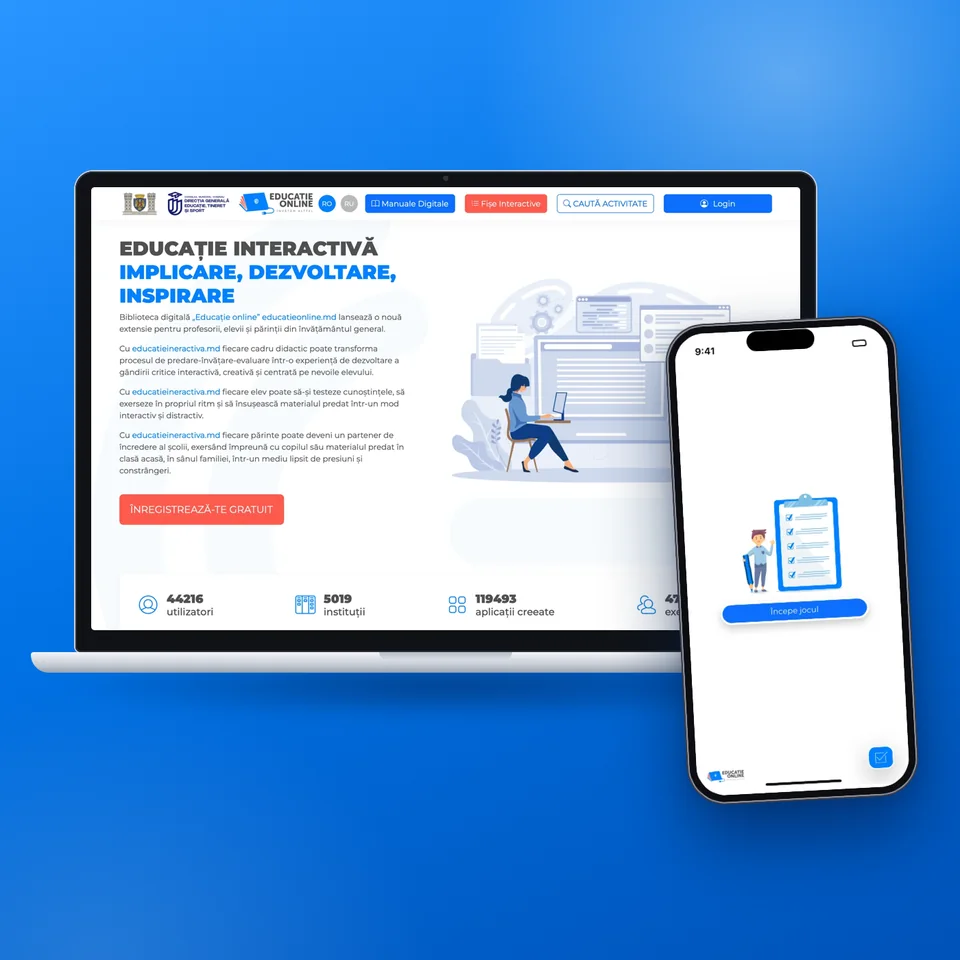
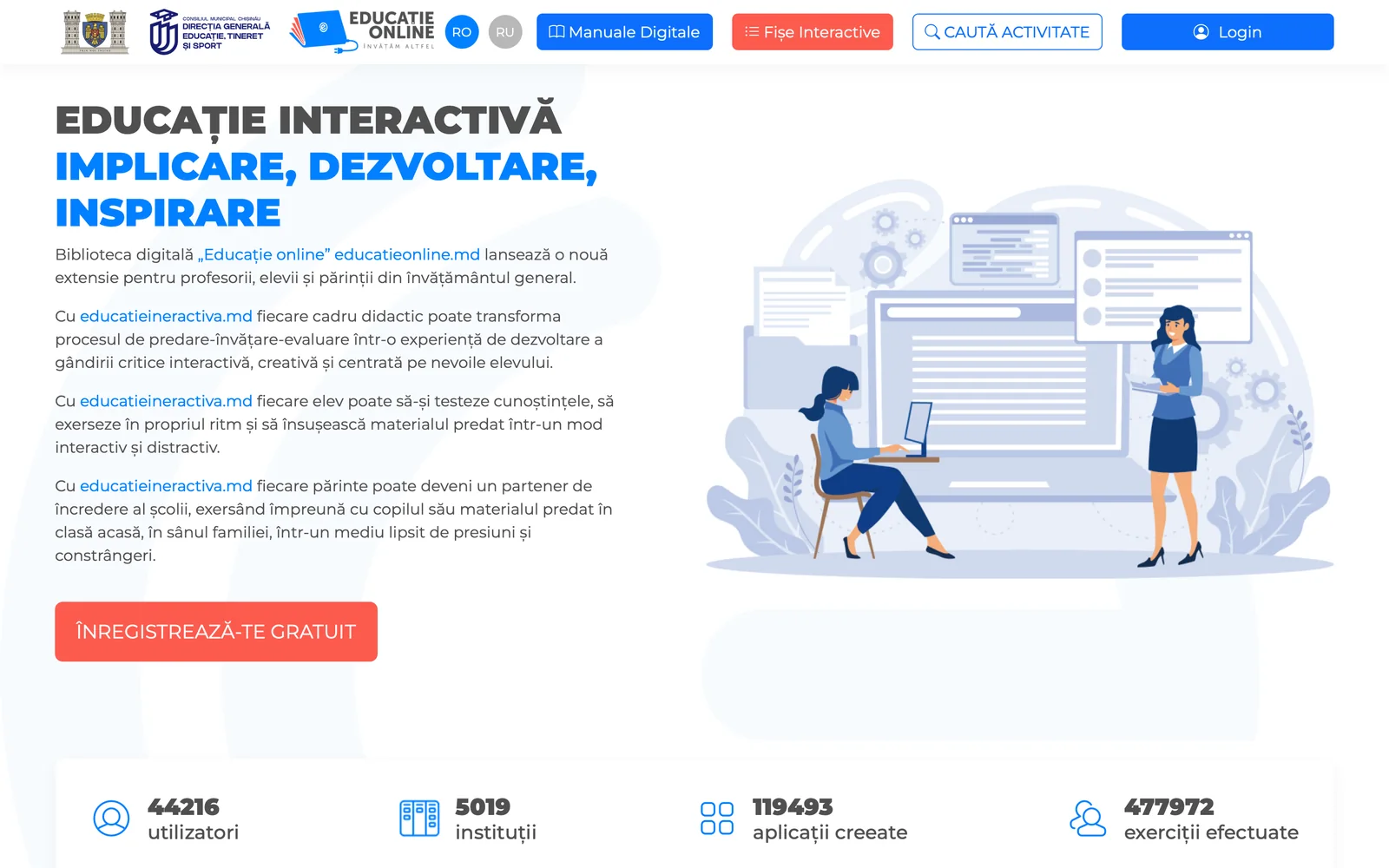
Tens of thousands of teachers and students. The portal’s counters, as its home page shows them: who uses it, how many exercises were created and how many were done.
- 44,21644,216 users
- 5,0195,019 institutions
- 119,493119,493 exercises created
- 477,972477,972 exercises done
- 8,000+ lessons in the Educație online library, in Romanian and Russian
- 20 exercise types in the builder
- 26 subjects and levels in the search, from preschool to university
- 1,000+ downloads of the app on Google Play; on the App Store since May 2023
educatieinteractiva.md · The counters on educatieinteractiva.md, read on 5 October 2026; the downloads, from Google Play.
02The exercise types
Twenty ways to practise. The builder has 20 interactive exercise templates, from multiple choice to the horse race. Eight of them can be played here, with our questions; below are all the types the portal shows.
Play here
 Multiple choice The right answers, picked among options.
What is the capital of the Republic of Moldova?
Which river forms Moldova’s western border?
Which country borders Moldova to the east?
 True or false Each statement goes to “true” or to “false”.
The Dniester flows into the Black Sea.
The Republic of Moldova has a coastline.
Chișinău is Moldova’s largest city.
The Prut flows through Chișinău.
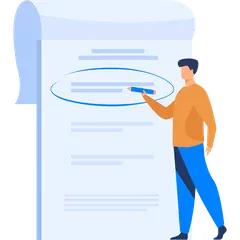 Fill in the blanks The missing words go back into the text.
Tap a word to put it in the first empty gap; tap a gap to empty it.
The capital of Moldova is . The western border follows the river, and the Dniester flows into the .
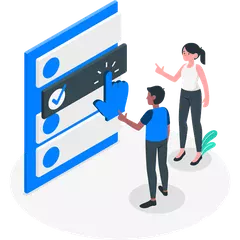 Match the pairs Each item is linked to its pair.
Tap a country, then its capital.
Pairs found: 0 of 4
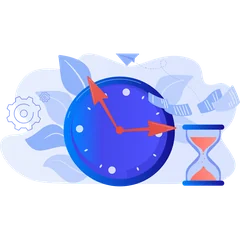 Timeline The events are placed on a timeline.
Tap the events in the order they happened; tap again to undo.
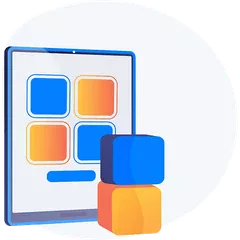 Memory pairs Face-down cards, found two at a time.
Turn two cards at a time: a calculation and its result.
Tries: 0
 Who wants to be a millionaire? Ever harder questions, up the points ladder.
- 1,000,000
- 100,000
- 10,000
- 1,000
- 100
How many continents does the Earth have?
How many degrees is a right angle?
Which planet is closest to the Sun?
Which gas do plants take from the air for photosynthesis?
In what year did people first walk on the Moon?
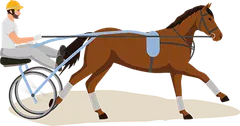
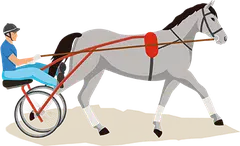
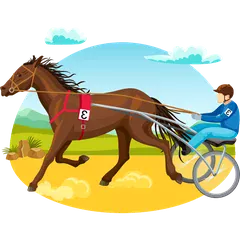 Horse race Each right answer moves your horse to the finish.
12 + 15 = ?
9 × 6 = ?
45 : 5 = ?
100 − 37 = ?
7 × 8 = ?
Every type on the portal
Each with its own illustration from the portal and a short video tutorial for the teacher.
Multiple choice
The right answers, picked among options.
Play it aboveTrue or false
Each statement goes to “true” or to “false”.
Play it aboveFill in the blanks
The missing words go back into the text.
Play it aboveMatch the pairs
Each item is linked to its pair.
Play it aboveTimeline
The events are placed on a timeline.
Play it aboveMemory pairs
Face-down cards, found two at a time.
Play it aboveWho wants to be a millionaire?
Ever harder questions, up the points ladder.
Play it aboveHorse race
Each right answer moves your horse to the finish.
Play it above
Put in order
The items are put in the required order.
Arrange the words
From mixed-up words, a correct sentence.

Complete the table
Each item lands in the right column.

Free answer
The answer is written in the student’s own words.
Text to image
Labels are placed on a picture, a map for instance.

Interactive video
The video lesson stops at questions.
Crossword
The grid is filled from the clues, against the clock.

Audio pairs
Matching pairs, the audio version.
Listen and choose
The student listens, then picks the answer.

Live test
The teacher starts the test for the whole class, with a timer.

Summative test
The option for summative assessment.
The list is the portal’s, from its pages and public code; the builder has 20 templates. The questions here are ours, as an example.
03Create, publish, use
The teacher creates, the student plays. An exercise starts from the lesson plan, the textbook or the curriculum; it can also be another teacher’s ready-made exercise, adapted. Then it reaches the students through a link, and the result shows at once.
Create
From scratch, after the lesson plan, the textbook or the curriculum, with one of the 20 templates; or starting from an exercise in the digital library.
Publish
The exercise gets a link: it goes to the students, on social networks, in messaging apps, or onto an educational website.
Use
In class, with the whole class, in groups or alone, and at home, to practise, consolidate, revise or assess.
One exercise, many ways in
A video tutorial for each type
The teacher sees how the exercise works before building it.
A free account, approved by an admin
Any teacher in general education opens an account in minutes.
Separate sign-in for student and teacher
The student can also join with a PIN, without an account, from the app.
In Romanian and Russian
The portal and its content, in both languages of instruction.
04The iOS and Android apps
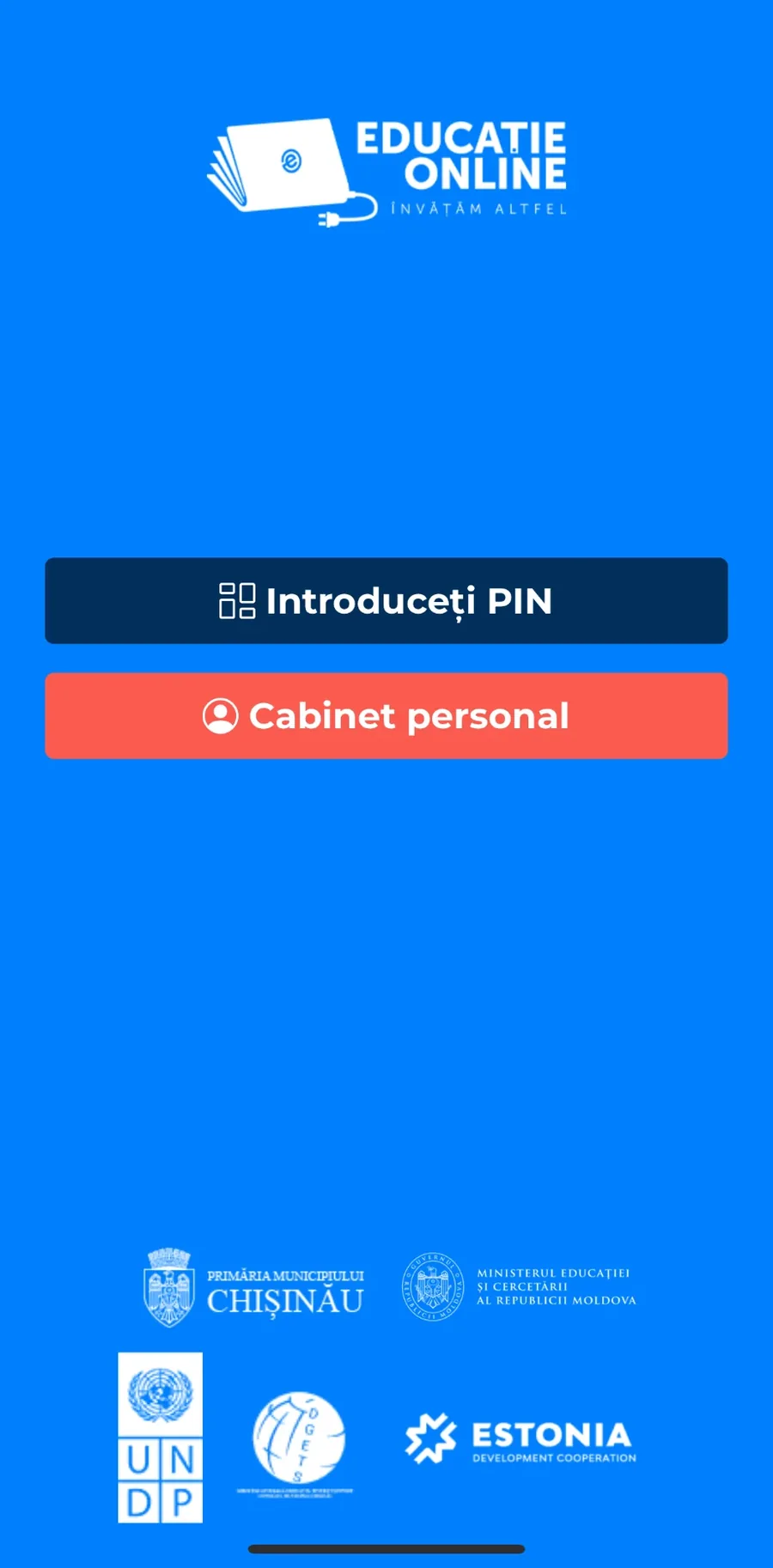
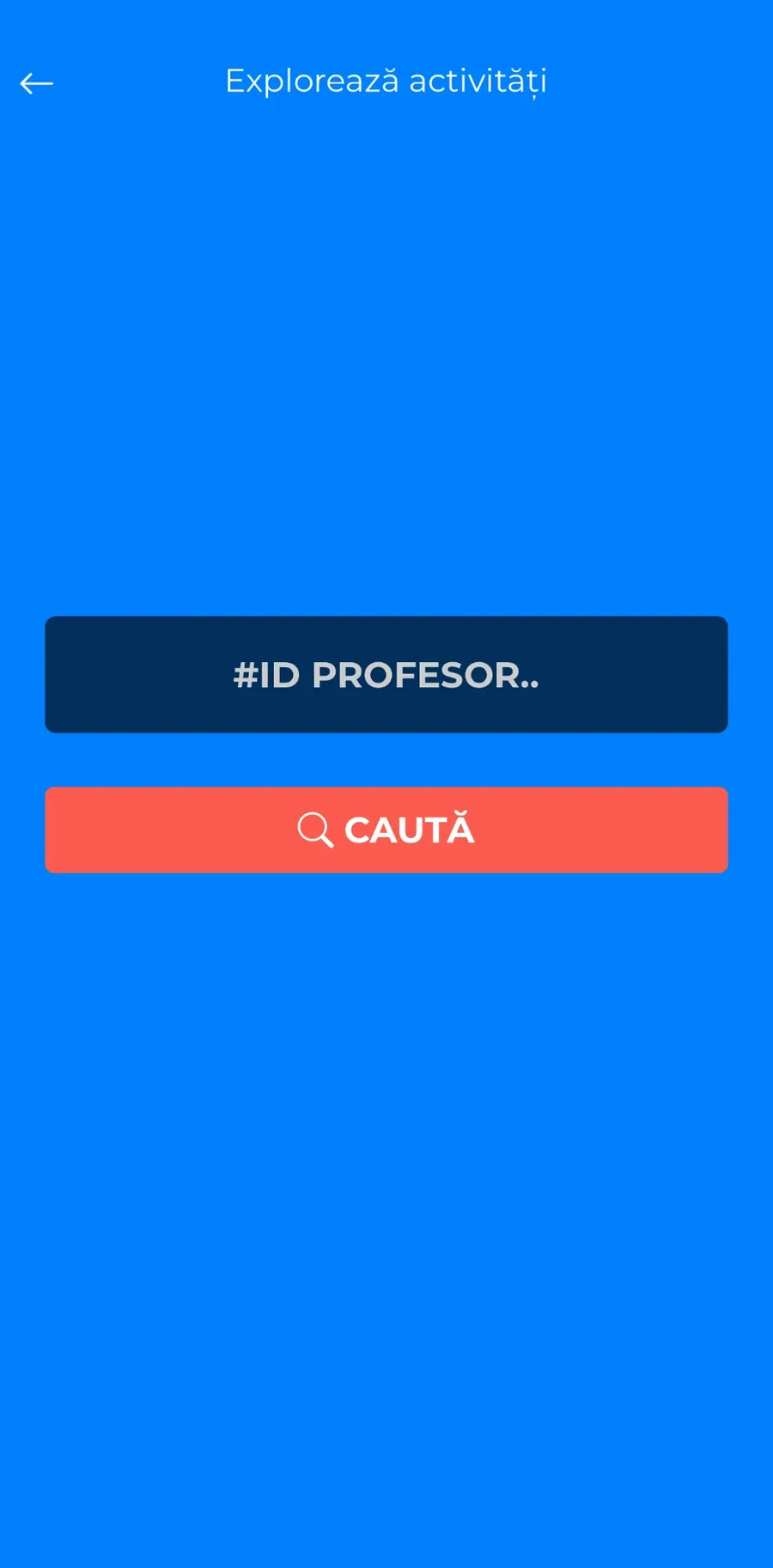
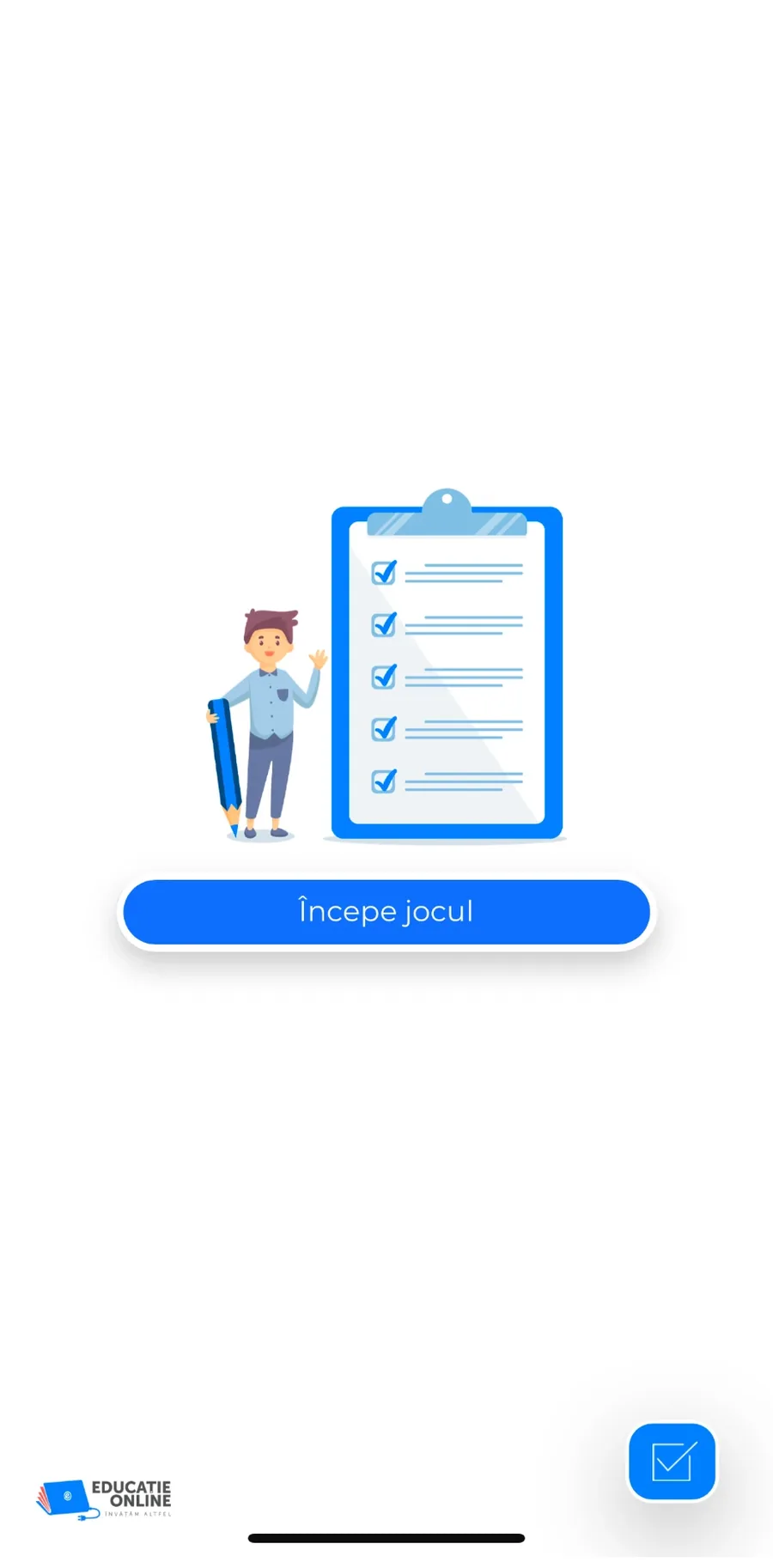
The student joins with a PIN. In the app, the student types the PIN the teacher gave and plays the exercise; the result stays in their list of activities. Tap the screen, as on a phone.

A prototype drawn after the app, with demo data. The screens below are real captures.
05The Educație online library
A whole library behind it. The portal extends the Educație online digital library, with over 8,000 lessons in Romanian and Russian: digital textbooks, interactive worksheets and a search by subject and grade.
Digital textbooks
By subject, from Romanian to financial education, plus STEM projects and optional subjects.
Interactive worksheets
By chapter and grade, for instance in physics, from the 6th to the 12th grade.
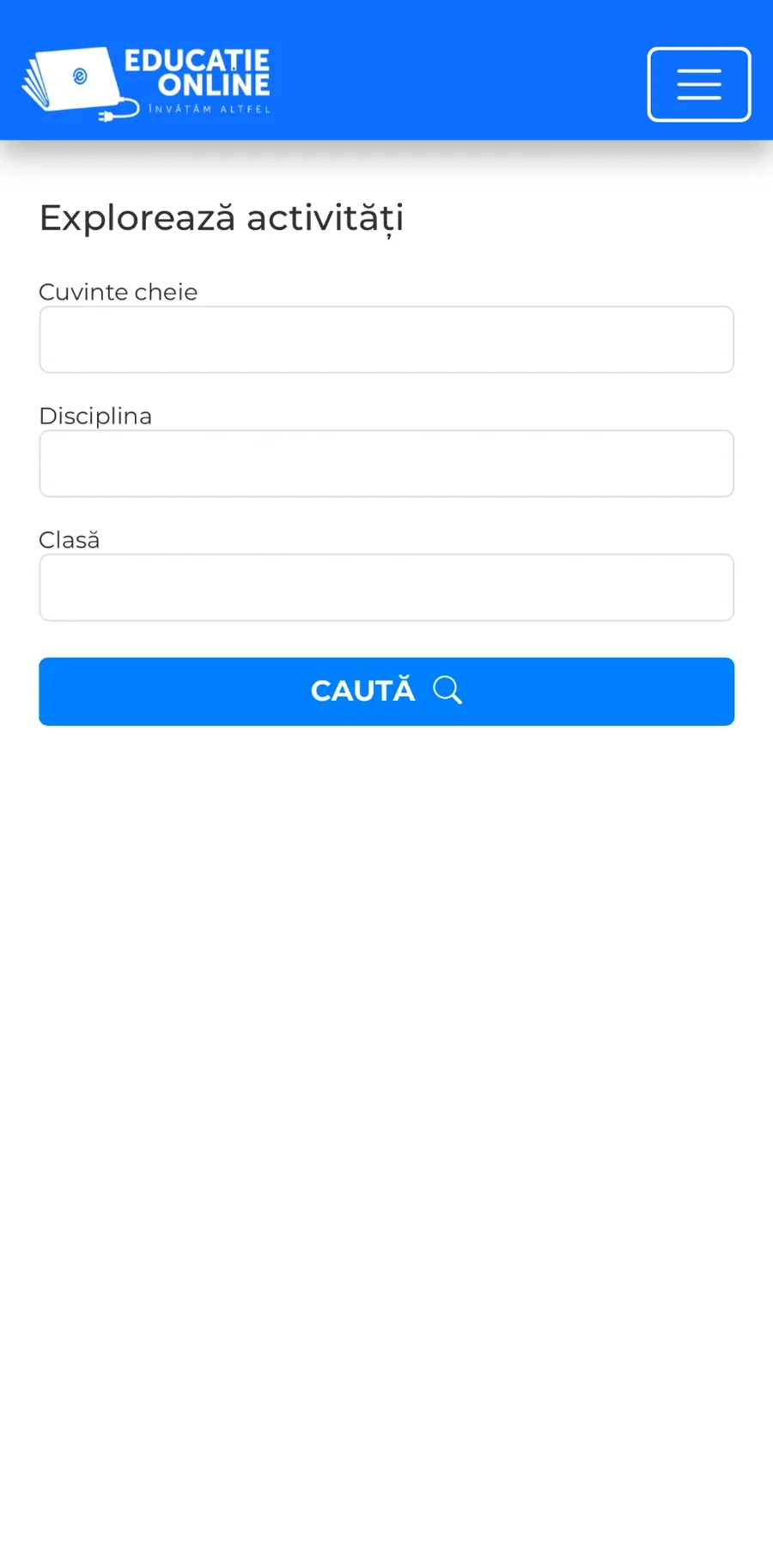
Find an activity
By keyword, subject, grade and topic, among the exercises teachers have published.
The subjects in the search
The search also filters by grade (from preschool to the 12th and university) and by topic.
- Preschool
- Romanian language and literature
- Romanian in minority-language schools
- World literature
- Foreign languages
- Russian
- Mathematics
- Science
- Biology
- Physics
- Chemistry
- Computer science
- History
- Geography
- Moral and spiritual education
- Civic education
- Music
- Art
- Technology
- Physical education
- Personal development
- Religion
- Financial education
- All about the USA
- Specialised subjects
- University
06Everything included
Portal, apps and maintenance. The design and development of the portal and the apps, then the monthly care: the server, the backups and the help for teachers.
- 01The portal
- Design and development, in Romanian and Russian
- Teacher and student accounts
- Link, PIN and embedding on other sites
- 02The exercises
- The builder with 20 templates
- Games: the millionaire and the horse race
- Live and summative tests, with a timer
- 03The apps
- iOS, on the App Store since May 2023
- Android, on Google Play
- PIN, personal cabinet and results
- 04Maintenance
- Server, monitoring and daily backups
- Large PDF uploads, fixed in 2025
- Help for teachers, month after month
From the maintenance reports
- 99.98%uptime in July 2025
- < 2.3 sto load the interactive pages, on mobile too
- dailybackups, with the restore checked weekly
MakeIT’s monthly reports for 2025.
Who a platform like this is for
For anyone who teaches others and wants the exercise done, not just handed out.
Schools and lyceums
Exercises for the whole class, in class and at home.
Education authorities
One platform for a city’s or a country’s teachers.
Publishers and digital libraries
Their textbooks, with interactive exercises beside them.
Training centres and companies
Tests and games for courses and in-house training.
The services behind the project
Custom softwareMobile appsUX/UI designOngoing developmentEducation
Your package
What shall we build for you? Tick what you need. Educație Interactivă needed three.
Your package
3 services
- A web platform
- A mobile app
- UX/UI design
- A presentation website
- Logo and branding
- AI features
Pick at least one service.
Discuss the packageWe’ll come back with questions and next steps.
Related projects.
 NotiqoTests in the open, AI marking with explanations, the teacher with the last word and the parent kept informed.
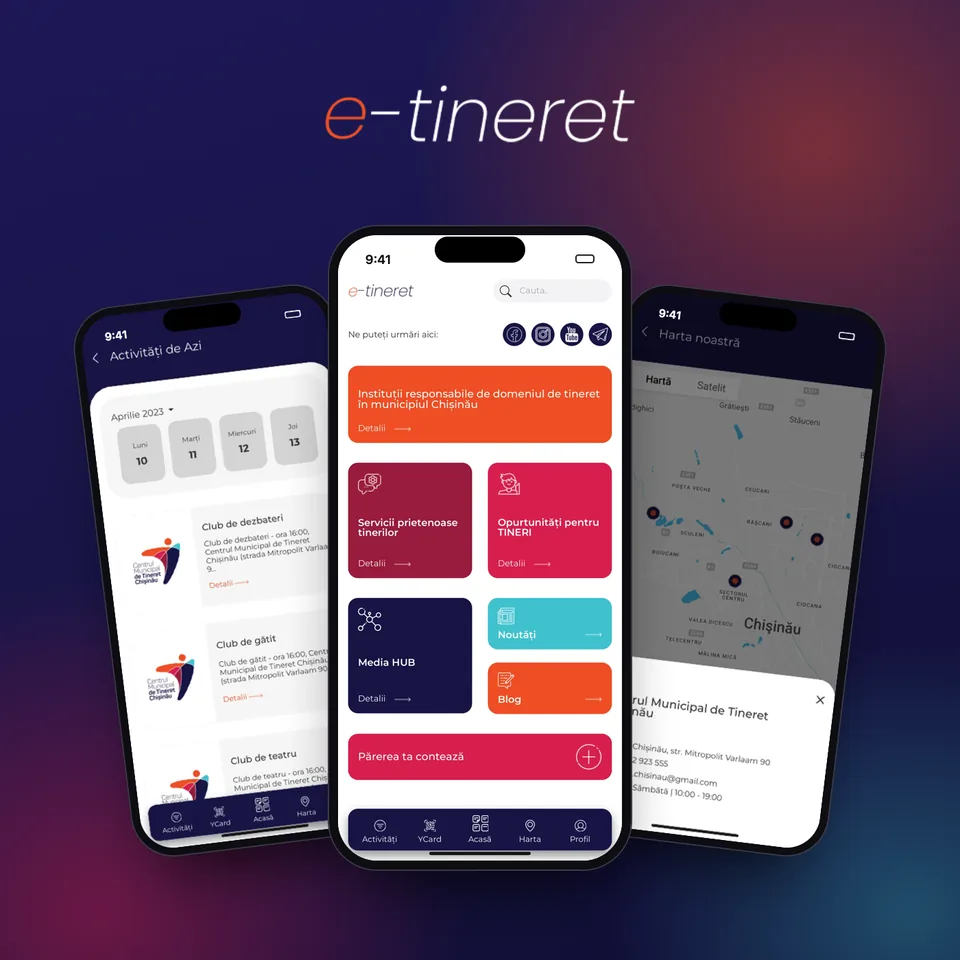 e-tineretThe day’s activities, youth centres on a map, services, opportunities and the Youth Card, in one iOS app.
 DGETSFrom a static site to a document system with search and filters.